Quick Start
Set up once. Then send calm, timely updates when it matters.
No dashboards to babysit. Just a simple send flow.
1) Log in
- Use your email; we send a magic link. No password.
- Click the link and you're in.
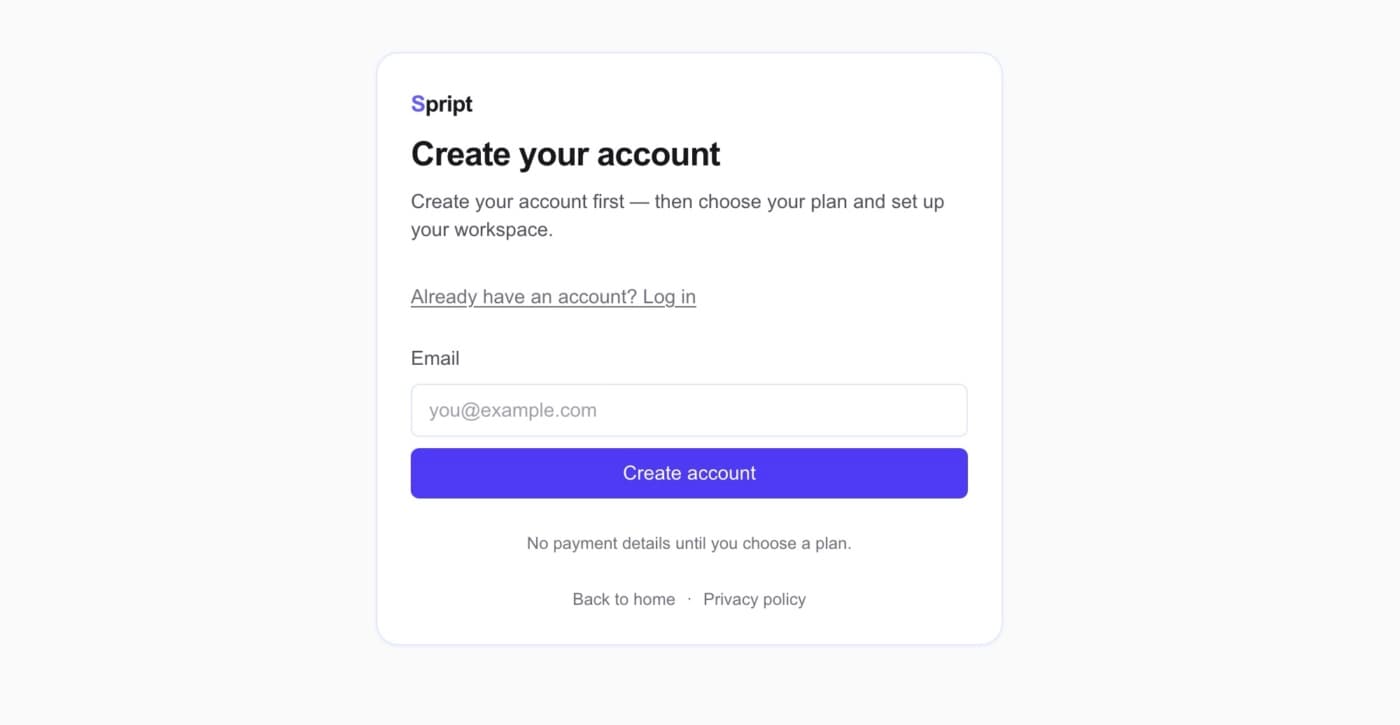
Login screen
Enter your email and we'll send a one-time sign-in link.
2) Confirm your sender identity
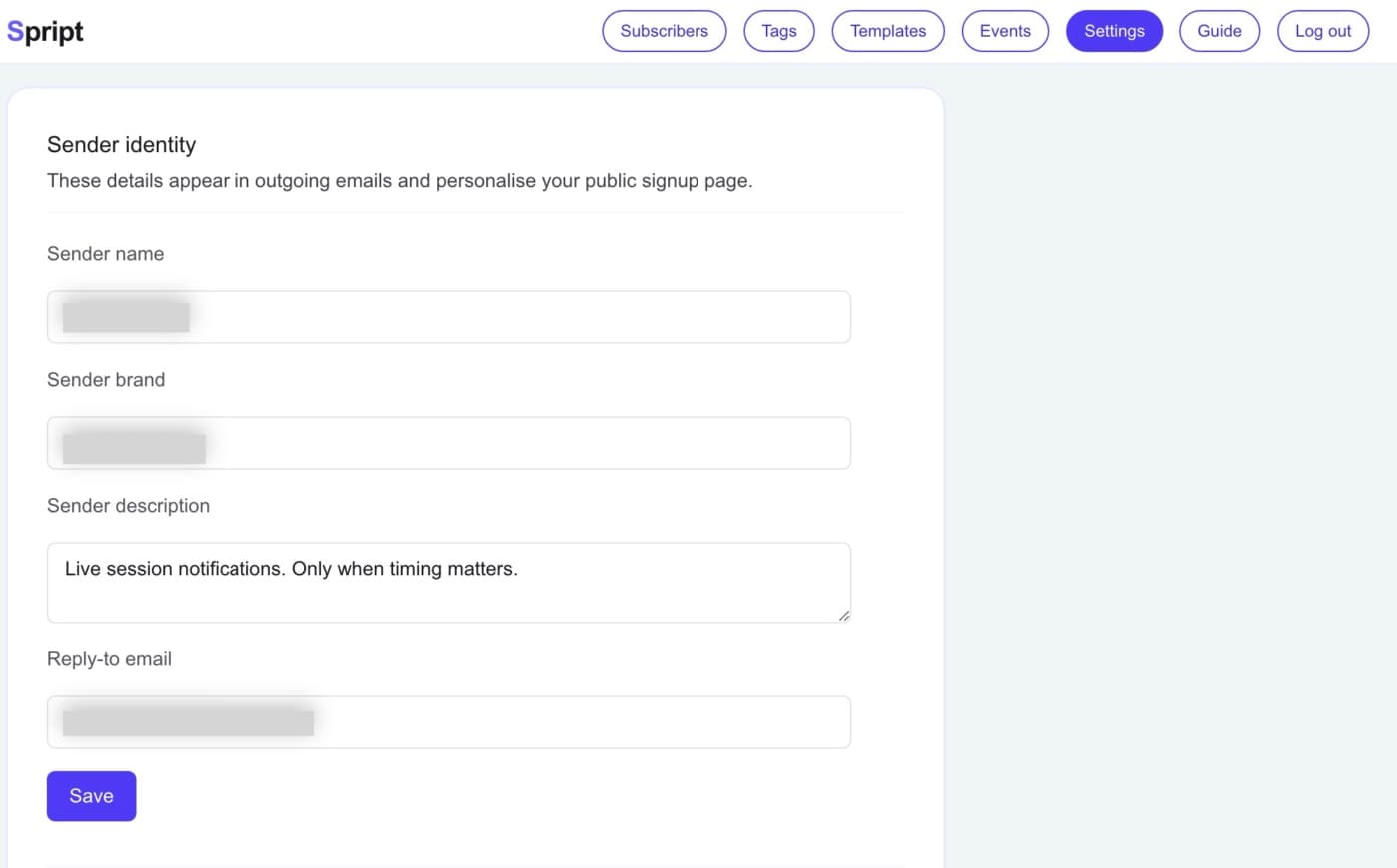
- In Settings, set your sender name and brand.
- Messages will look like they're from you.
Sender identity
Set your sender identity so every alert looks like it's from you.
3) Create your first template (your alert message)
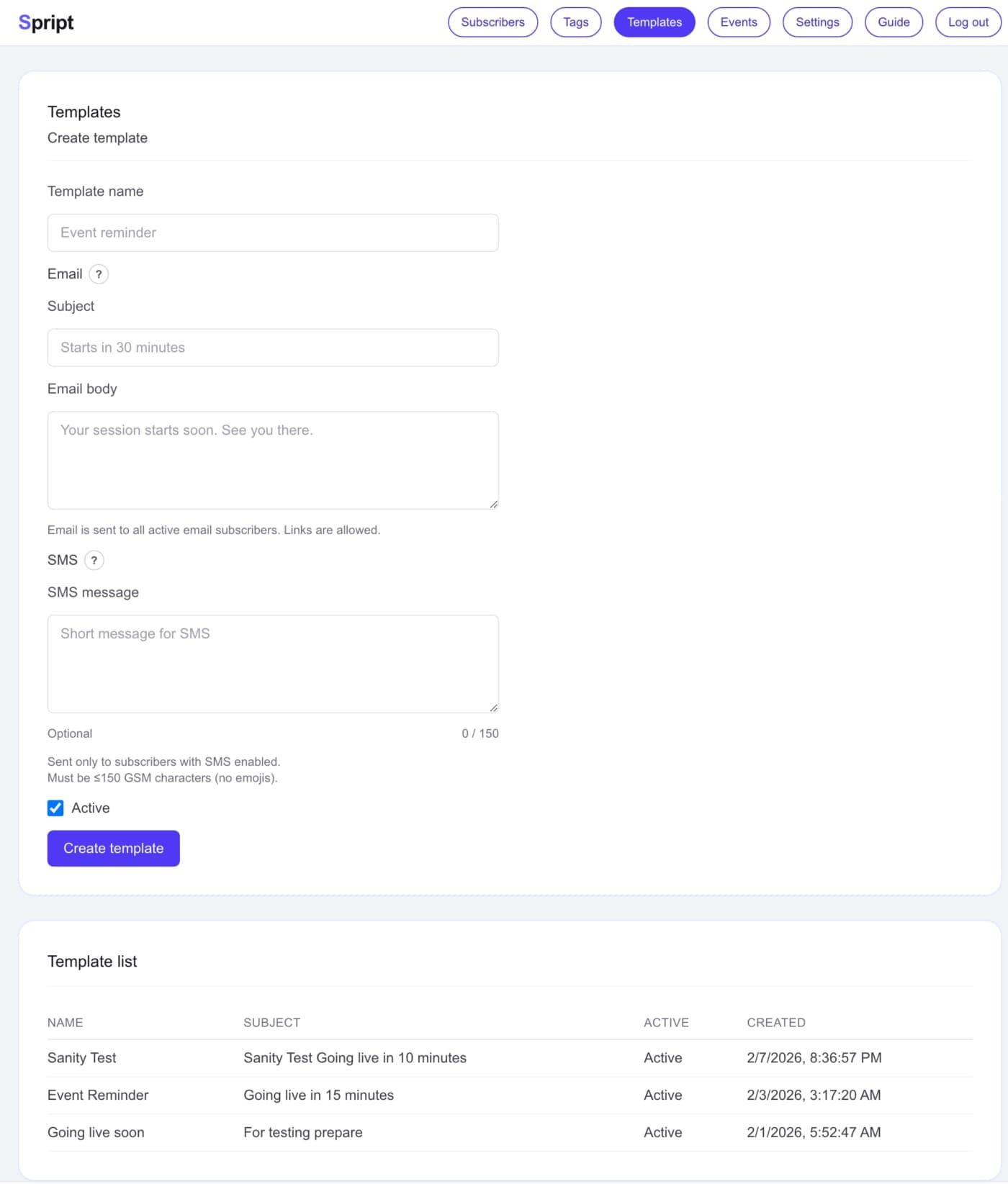
- Templates are your reusable alert message — short, clear, and character-limited.
- Include your "always-the-same" link here.
- You'll pick this template when you create an event.
Templates page
Create a reusable alert message that will be delivered by push.
4) Add subscribers (and groups if needed)
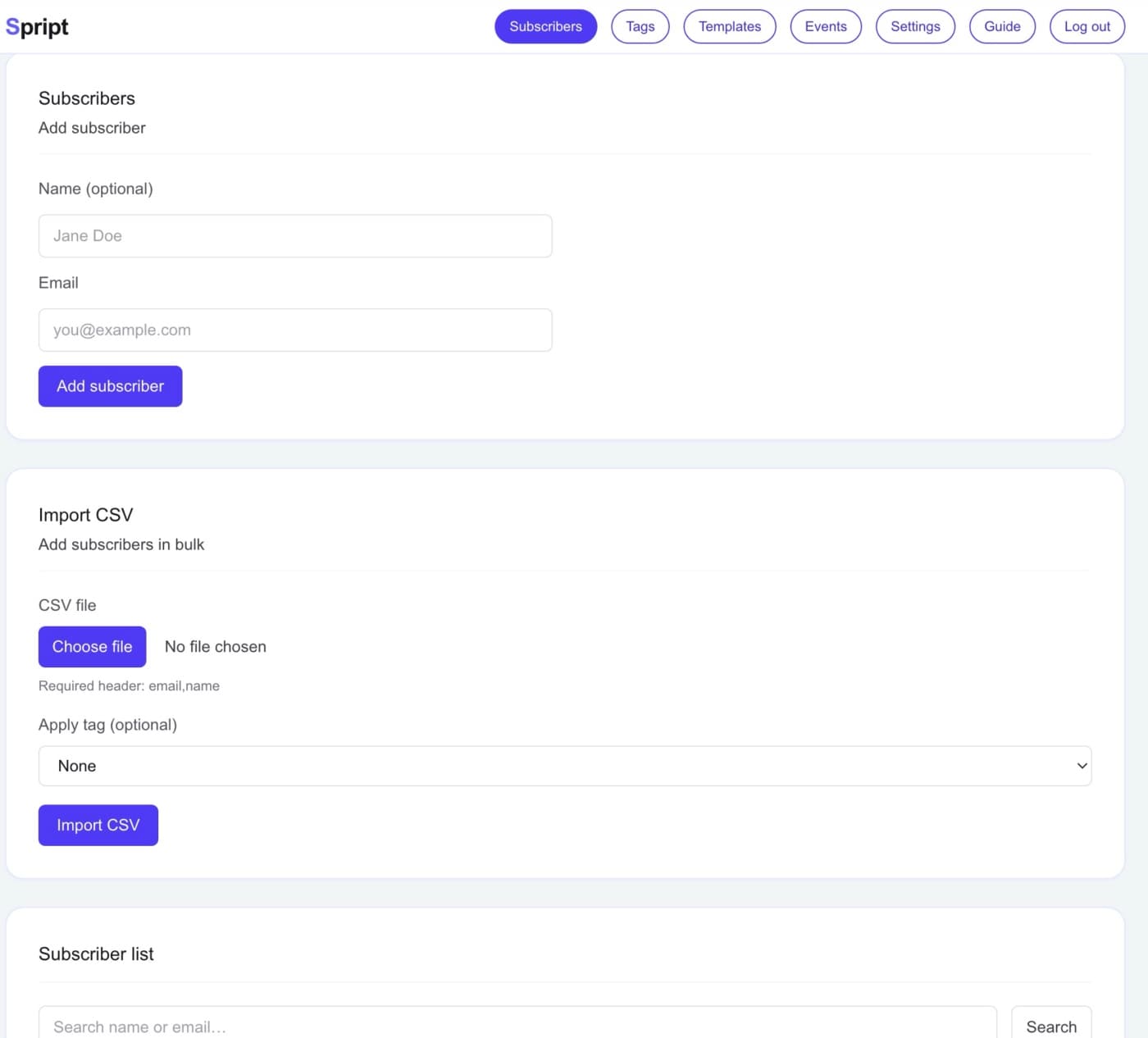
- Add addresses one by one or import a CSV.
- Share your signup link so others can subscribe.
- Audience Groups let you send to specific groups — optional.
Subscribers
Add people manually or import a CSV. Your signup link is in Settings.
Audience Groups (optional)
Create groups to send only to certain groups when you create an event.
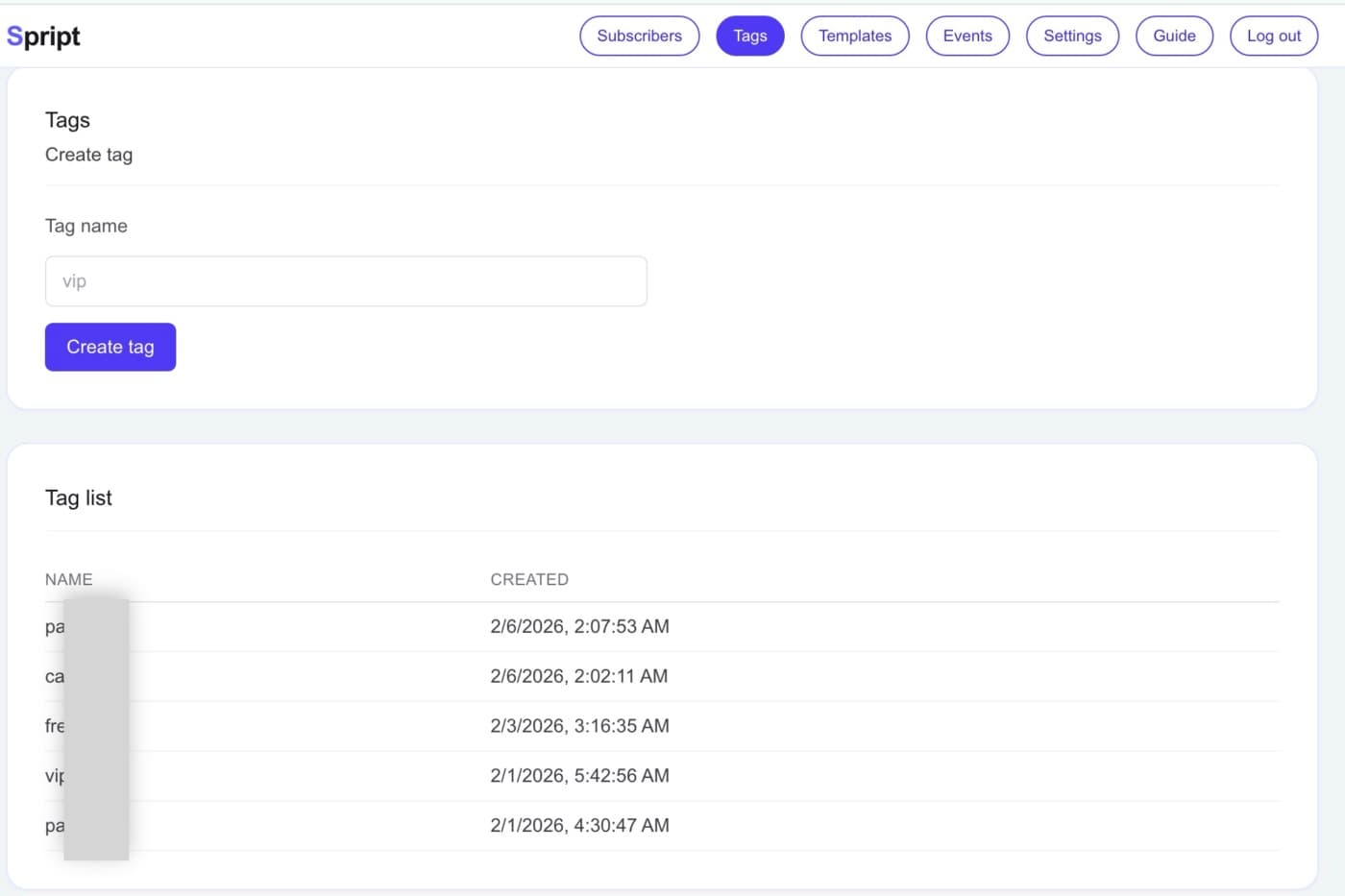
5) Send an event (pick template → pick audience → preview → send)
- Create an event and choose your template.
- Choose who receives it (everyone or specific groups).
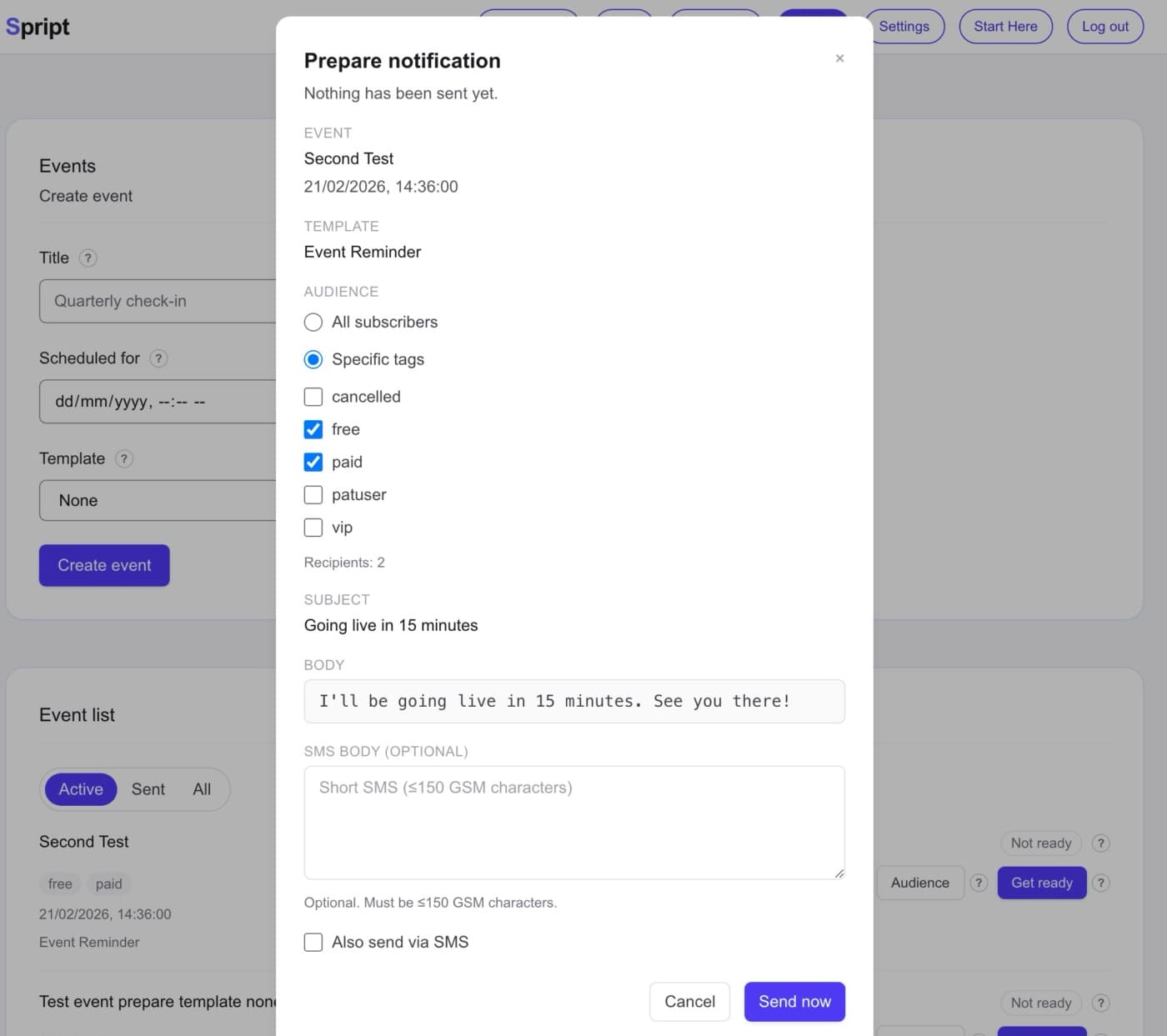
- Click "Get ready" to see the preview.
- Send now. Nothing goes out until you click.
Create the event
From the Events page, create a new event. Give it a title and pick a template.
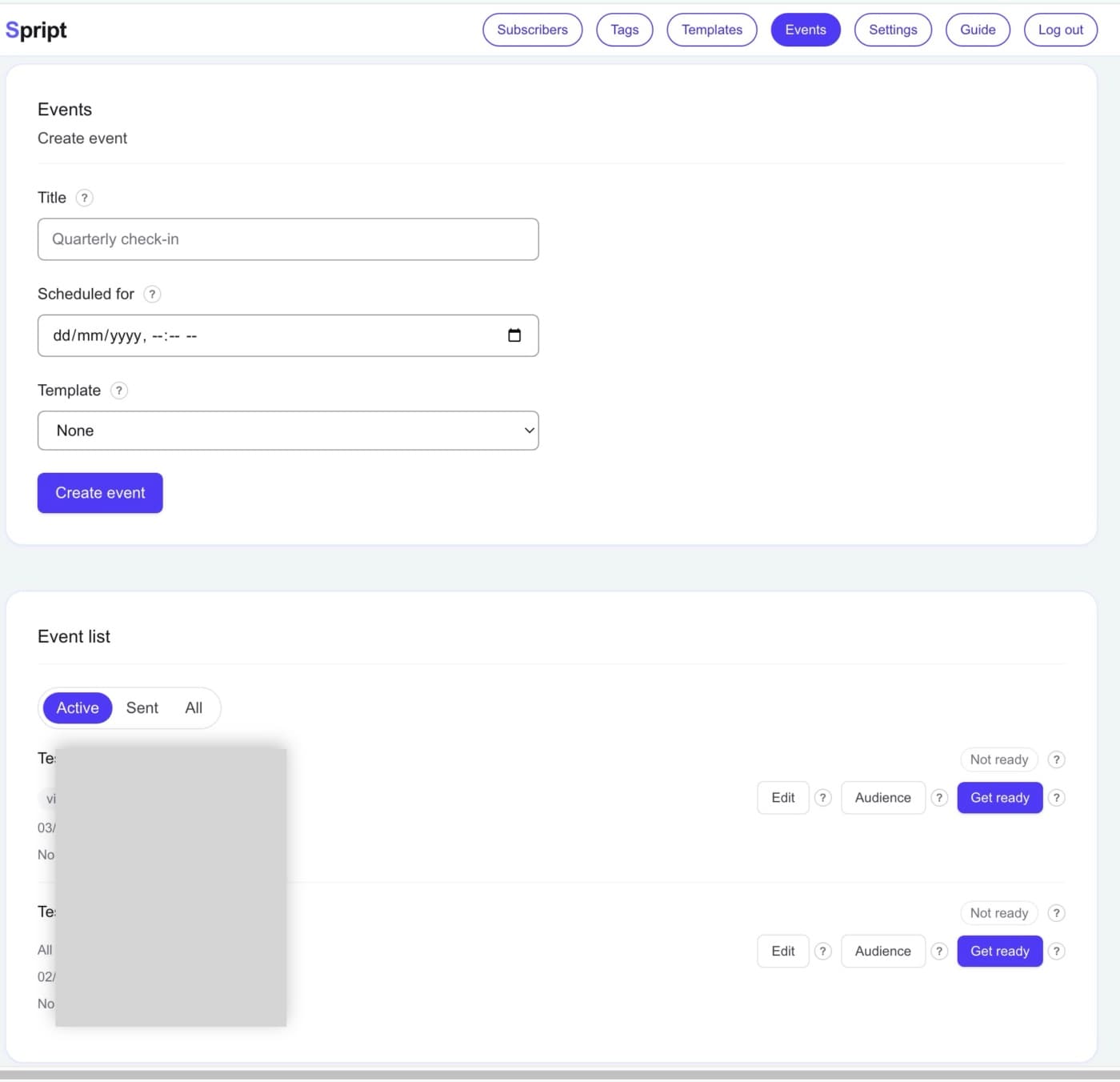
Pick a template
The template becomes the alert text for your next send.
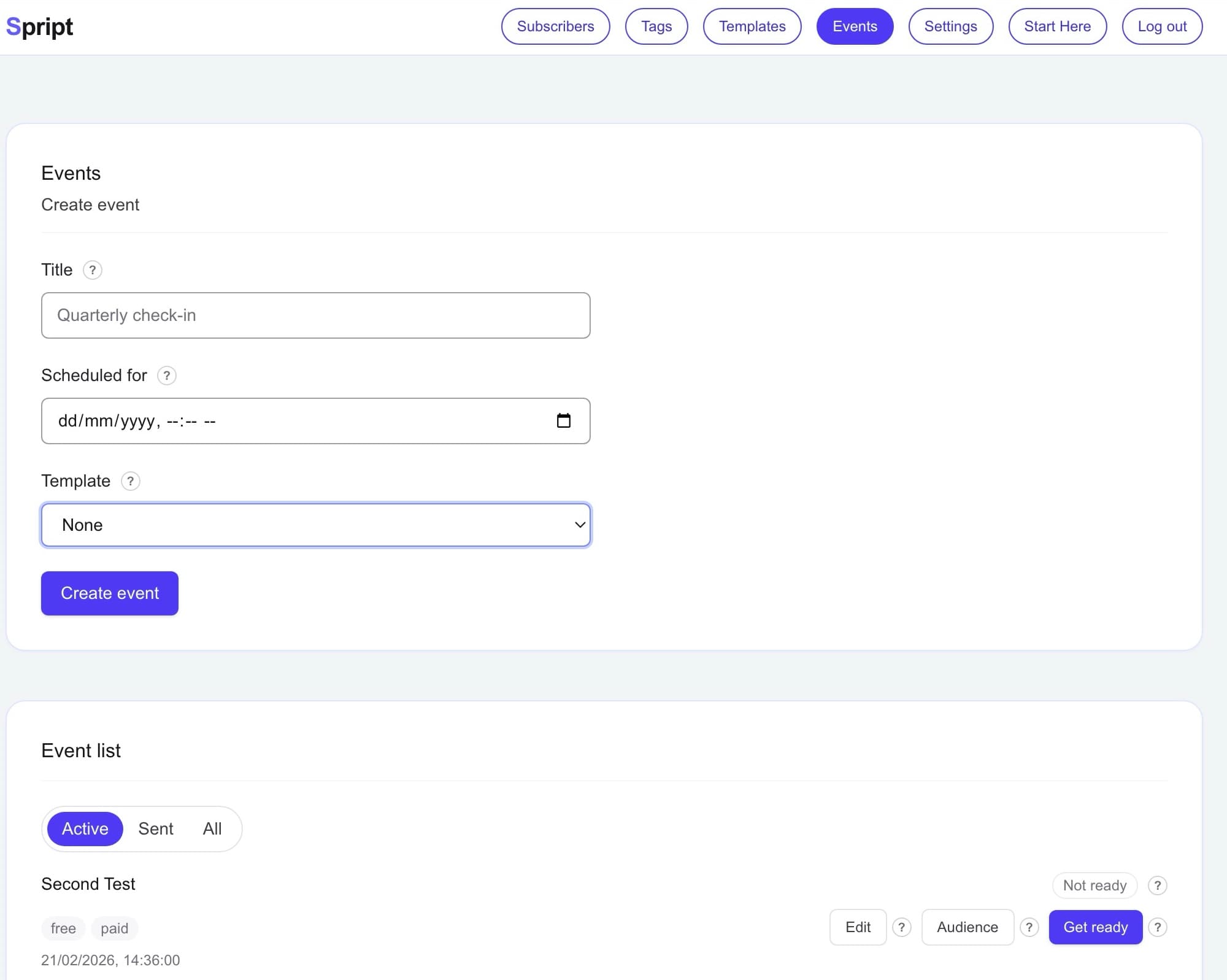
Choose your audience
Send to all subscribers or only those with specific tags.
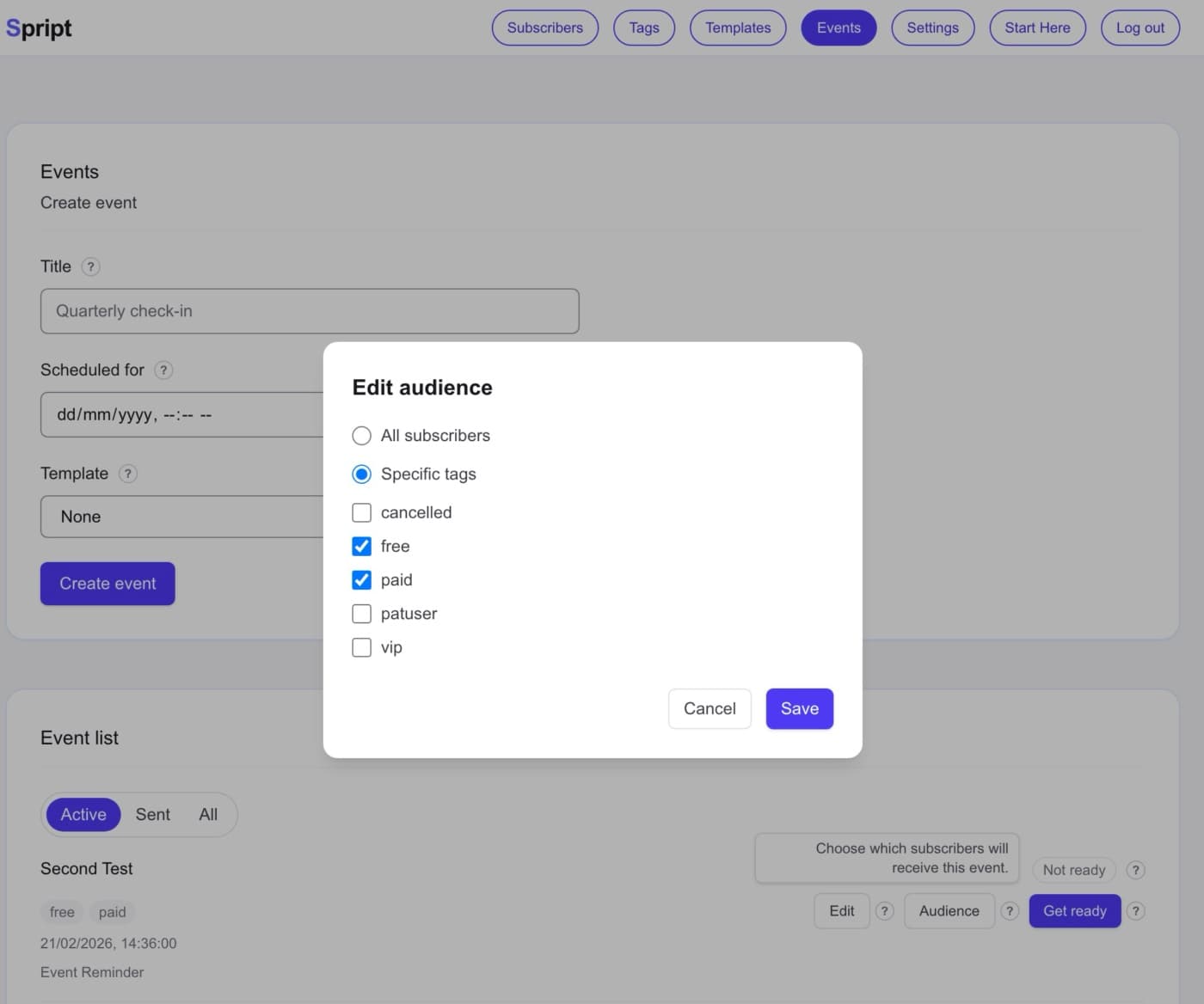
Final preview and send
Get ready shows exactly what will be sent. Click "Send now" when you're ready.
And that's it. Five simple steps.
You can send your first notification in less than five minutes.
Spript is built to be calm and direct.
No funnels.
No automation sequences.
No dashboards full of noise.
Just the moment that matters — delivered.